

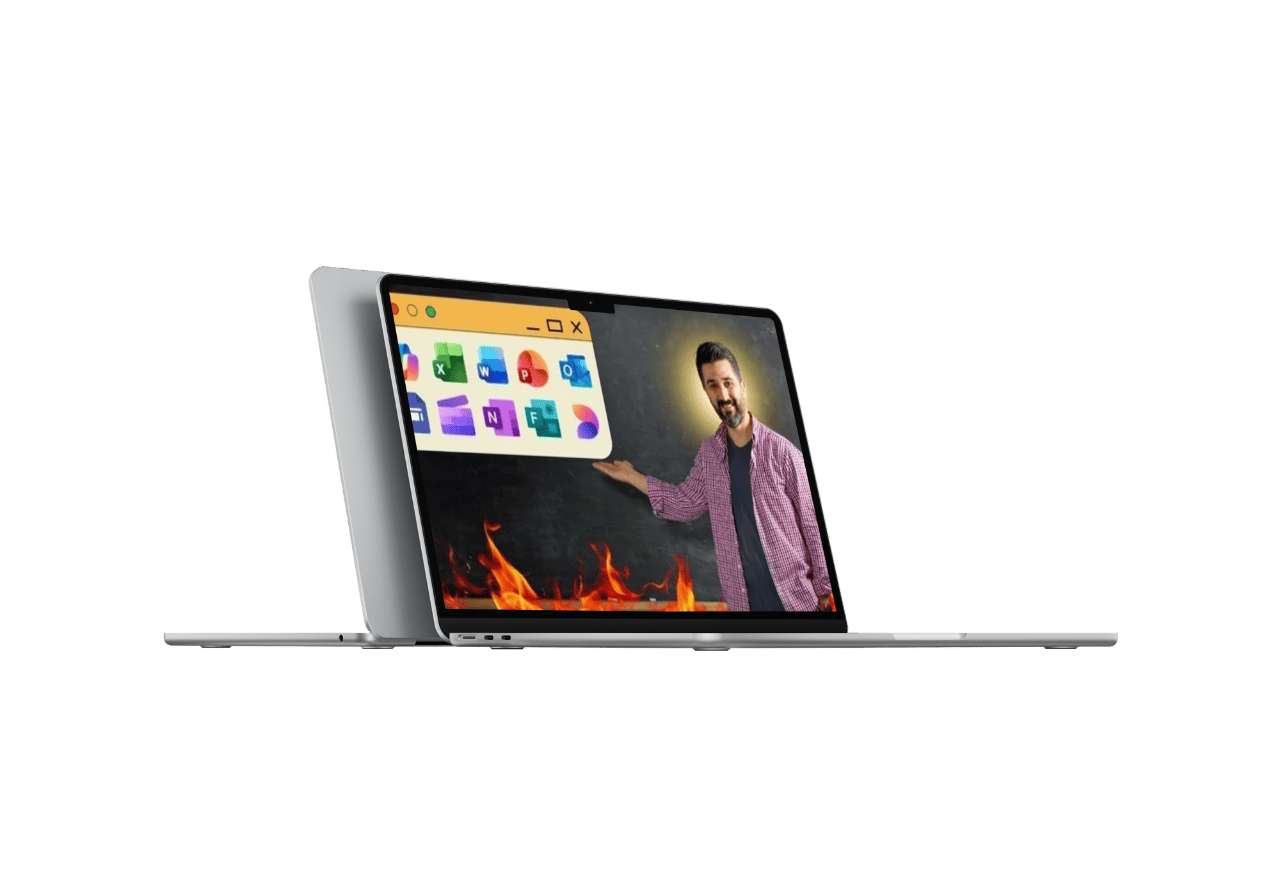
Microsoft 365 Office – 10 in 1 Apps with Microsoft Copilot AI

After this course, your work output will look more professional. You will complete common office tasks with less friction. You will understand when and how to use Copilot AI instead of guessing prompts. You will be able to handle documents, data, slides, and communication with clarity.
This training fits students, job seekers, freelancers, business owners, and working professionals. It also works well for Mac users because Office for Mac steps are included where needed.
| Download: |
MEGA
|
| Size: | 37.5 GB |
| Files: | View Files |
| Sales Page: | Link |
| Archive: | Link |
You have to be logged in and our VIP Members to see the Download Links

What you’ll learn
-
Use Microsoft 365 Office apps with confidence
-
Create and format professional Word documents
-
Use Copilot AI in Word for drafting and editing
-
Work with Excel formulas, functions, and PivotTables
-
Create charts and dashboards in Excel
-
Use Copilot AI for Excel formulas and data checks
-
Design clean PowerPoint presentations
-
Generate slides and outlines using Copilot
-
Manage email and calendar in Outlook
-
Run chats and meetings in Teams
-
Take structured notes in OneNote
-
Create quizzes and surveys using Forms
-
Store, sync, and share files with OneDrive
-
Design graphics using Microsoft Designer
-
Edit videos using Clipchamp
-
Use AI features across Microsoft Office 365 apps
-
Connect multiple apps in real work tasks
Course content
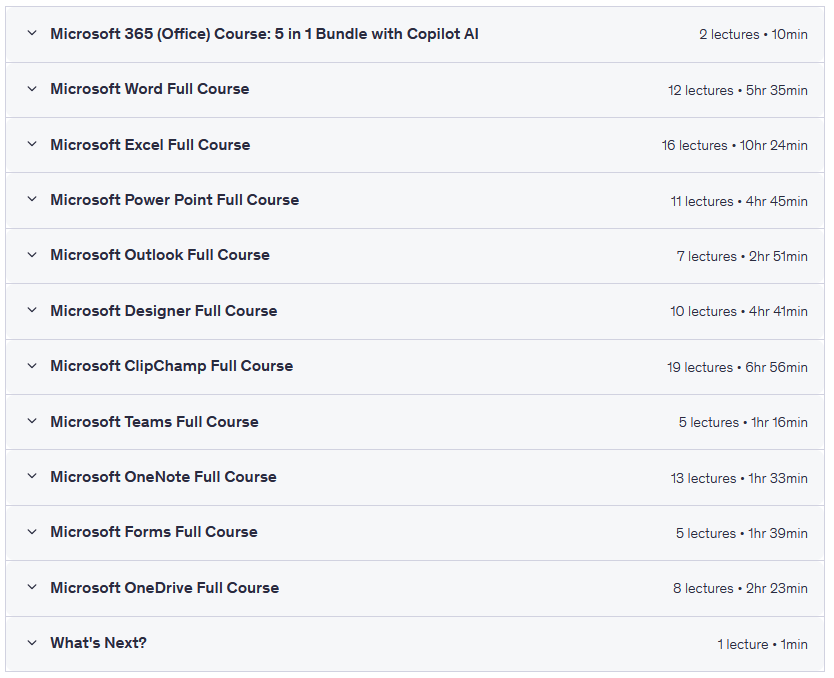
12 sections • 109 lectures • 42h 14m total length
Requirements
-
A computer with Microsoft 365 Office (Windows or Office for Mac)
-
Internet connection
-
Basic computer skills (open files, type, save)
-
Willingness to practice with sample files
-
Microsoft account for cloud features
Who this course is for:
- Beginners who want a full MS Office course
- Students preparing for office jobs
- Working professionals who want faster daily workflow
- Business owners who manage their own documents and reports
- Freelancers who create client files and presentations
- Office for Mac users who want guided training
- Anyone curious about Copilot AI in Microsoft Office 365
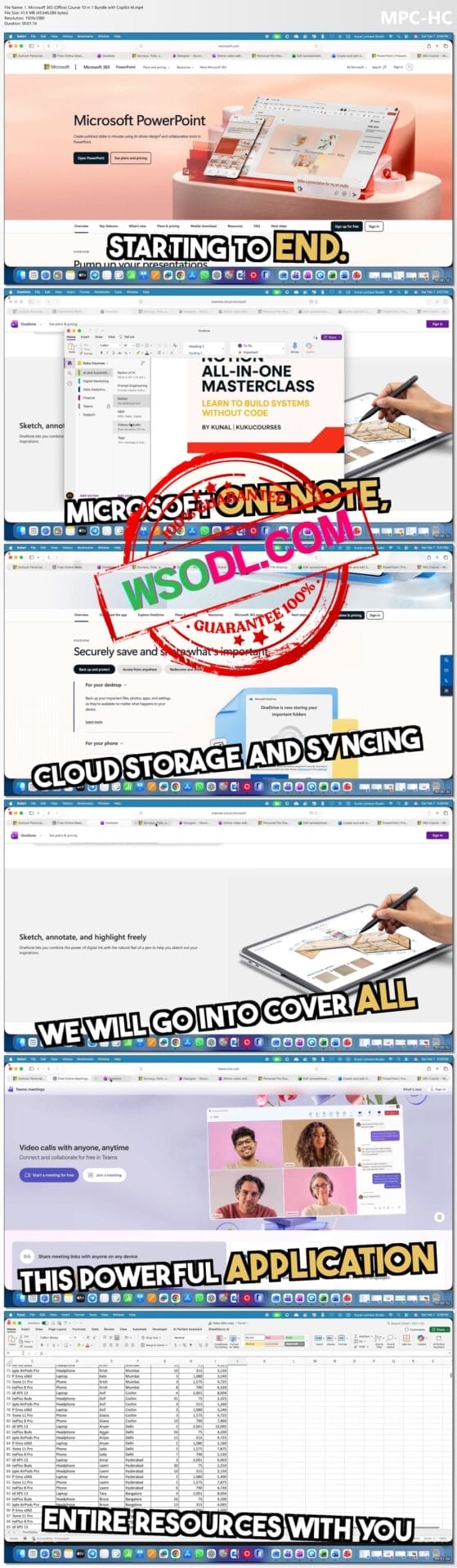
Screenshots taken from the videos of the course
You have to be logged in and our VIP Members to see the Download Links
Be the first to review “Microsoft 365 Office – 10 in 1 Apps with Microsoft Copilot AI”
You must be logged in to post a review.
Reviews
There are no reviews yet.